← All work
Case study · App
See where every vehicle has been.
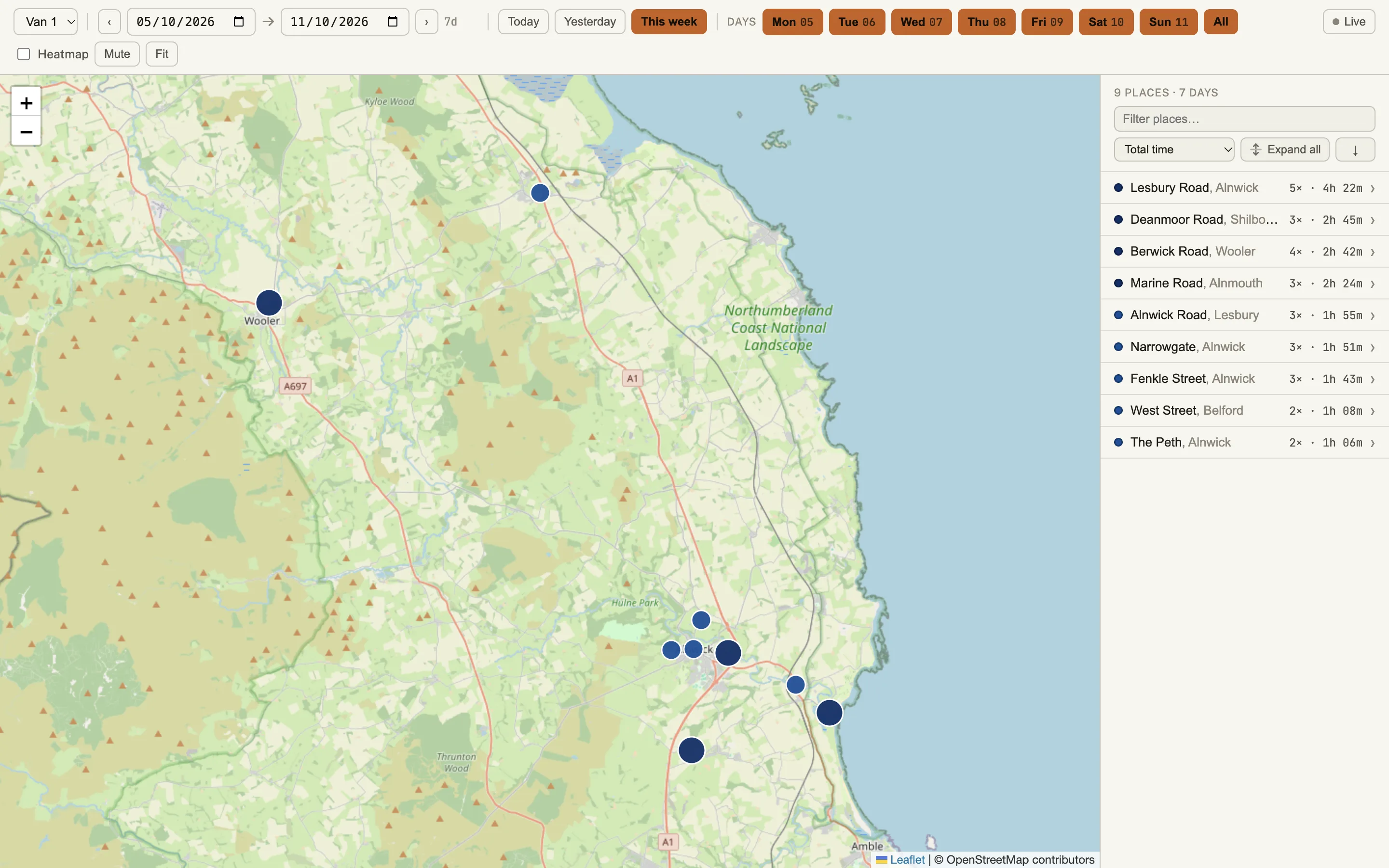
Choose a vehicle and a date range, and the map shows every place it stopped, how many times and for how long.
What is in it
- Map
- Places and time
- Date ranges
- Live and heatmap views
- Phone
The brief
Knowing where a vehicle has been means piecing together stops, times and places. We wanted the answer on one screen, for any vehicle and any date range.
What we built
-
The map
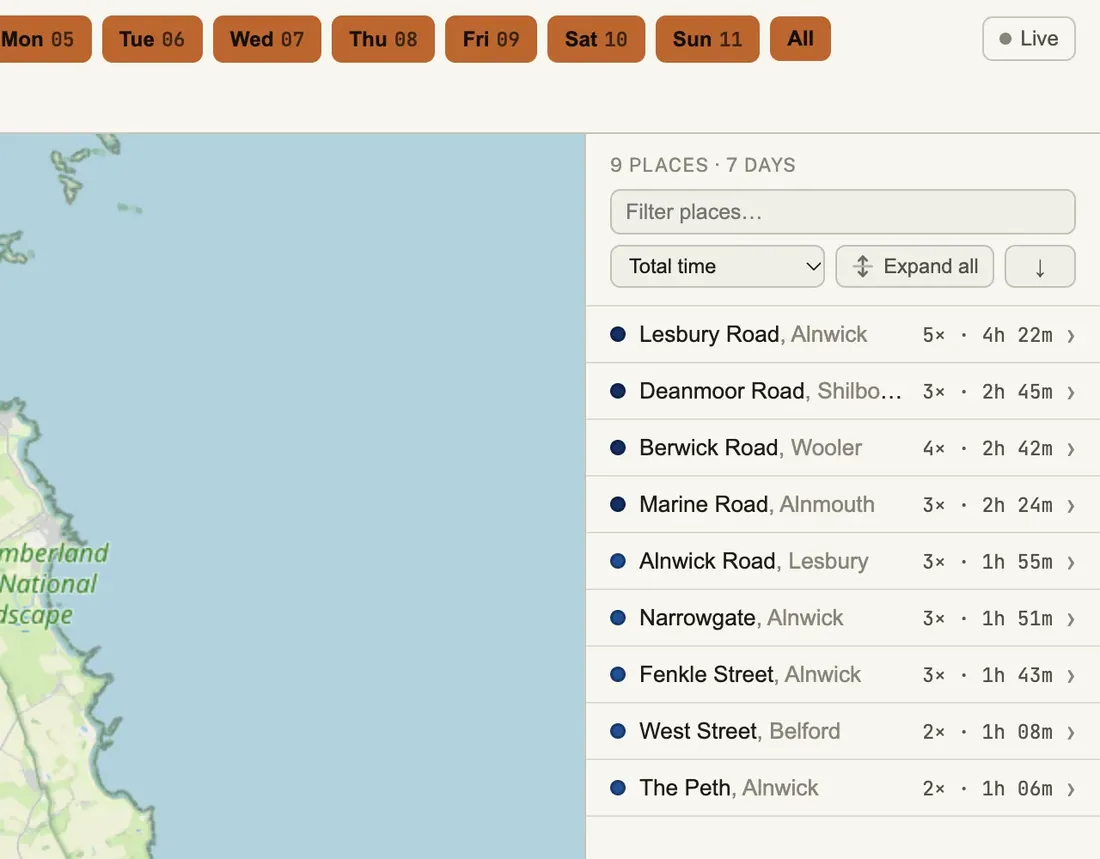
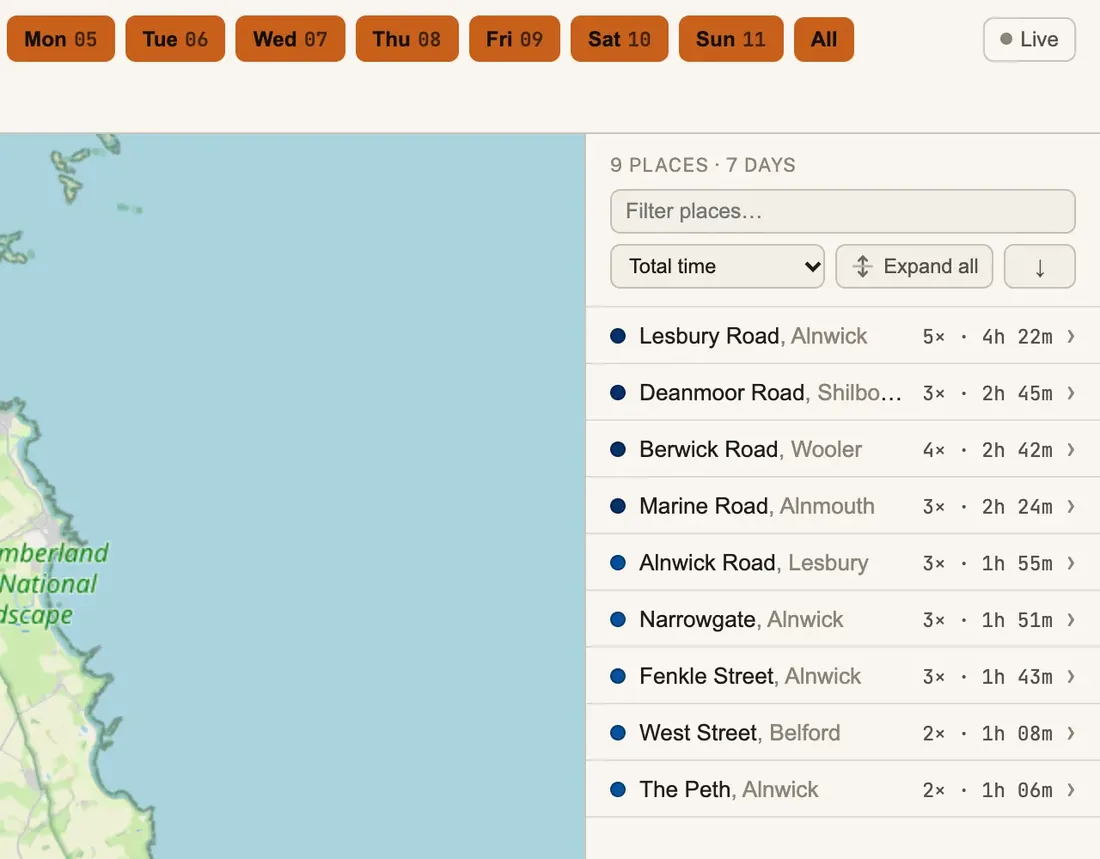
A dot for each place, sized by time spent, with the places listed beside it. Filter by day.
On a computer
-
Every visit to a place
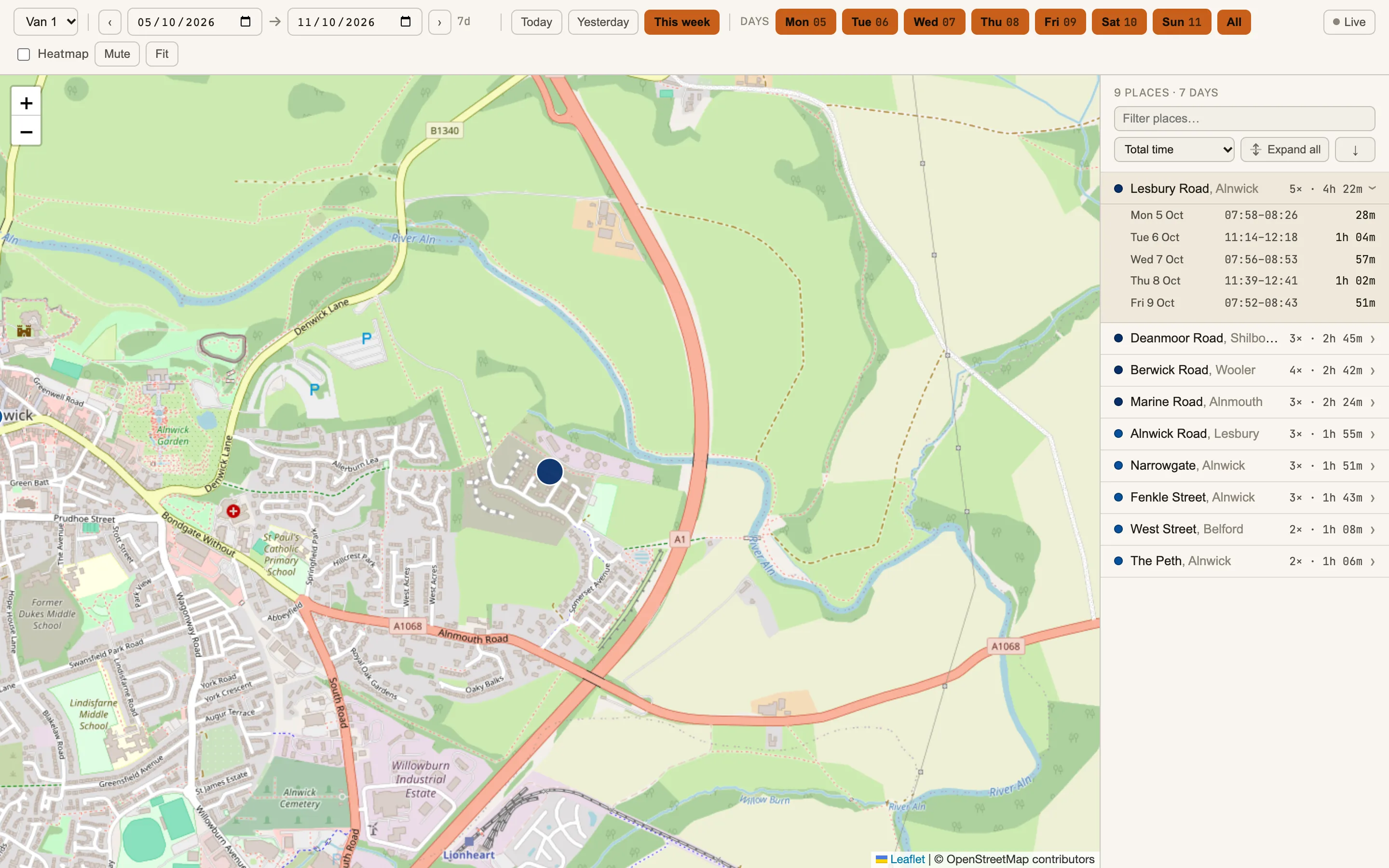
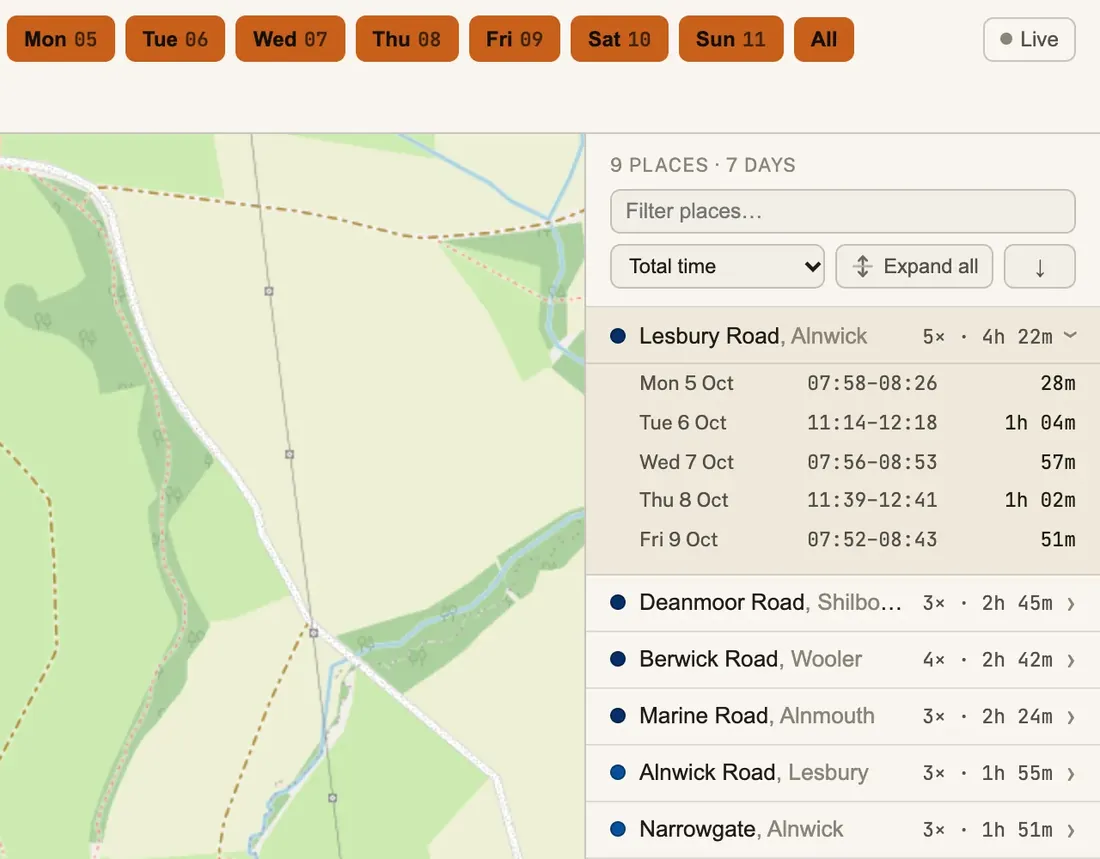
Open a place to see each visit, the time of day and how long it lasted.
On a computer
-
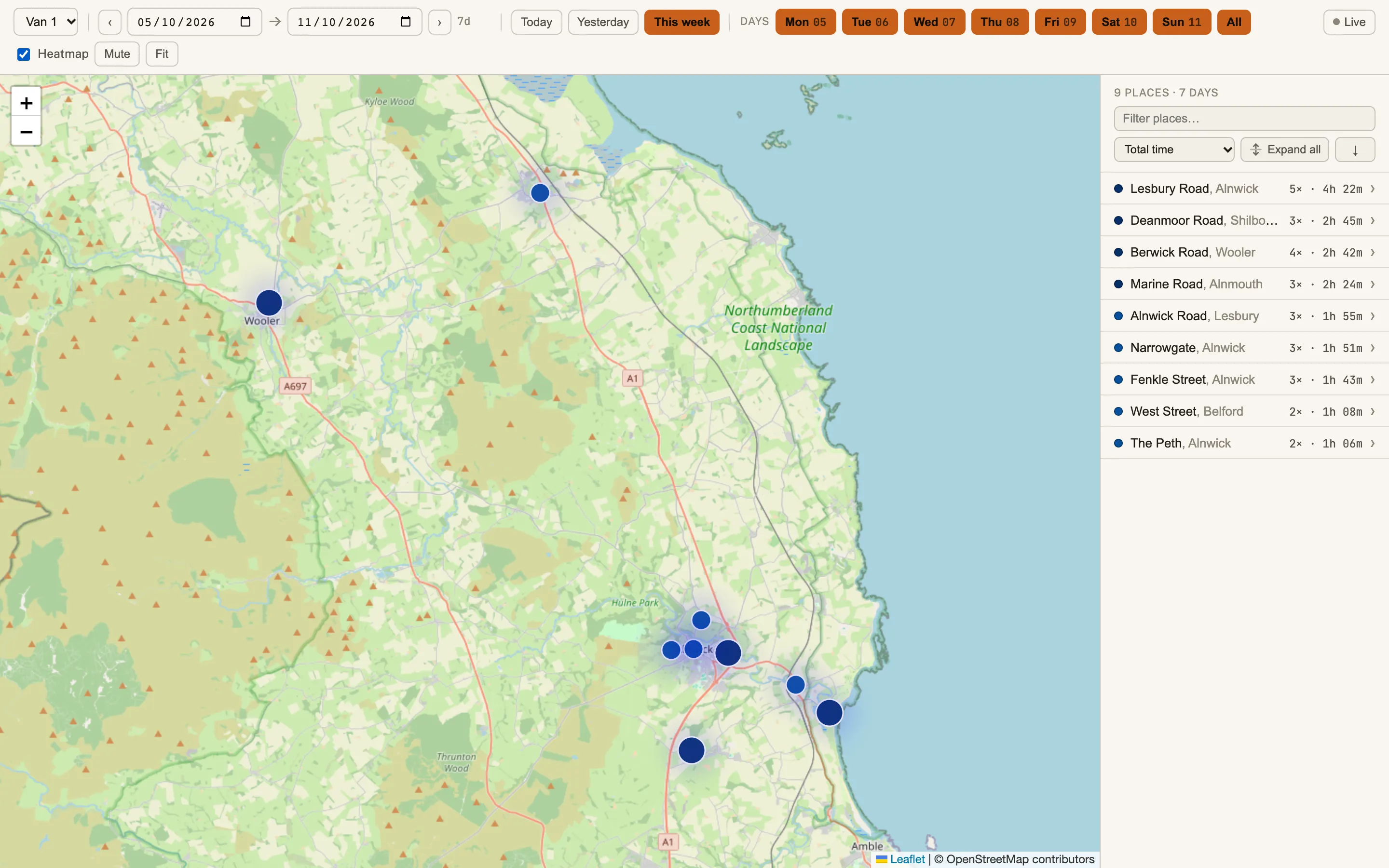
Heatmap
Switch it on to see where time is spent across the whole area.
On a computer
-
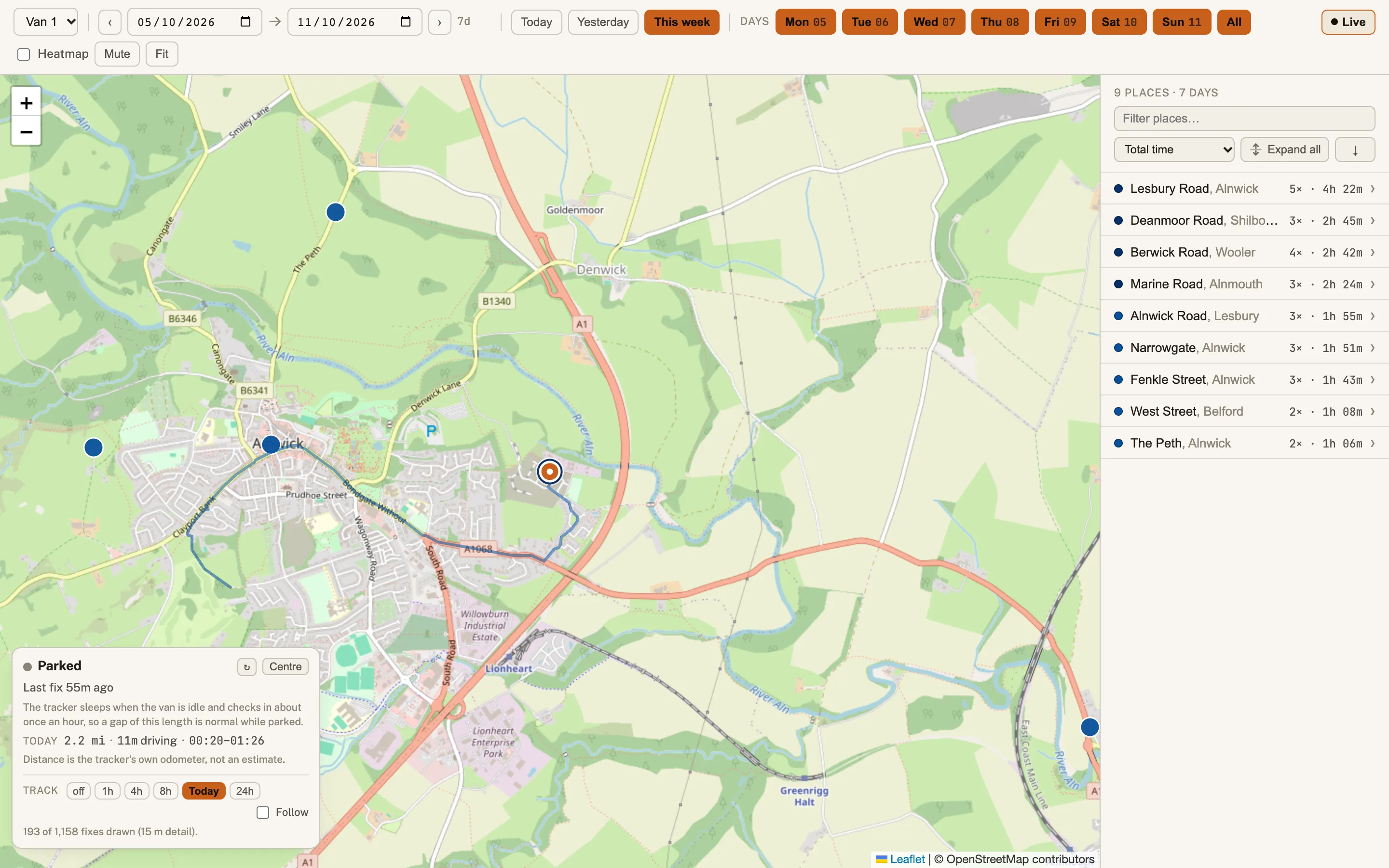
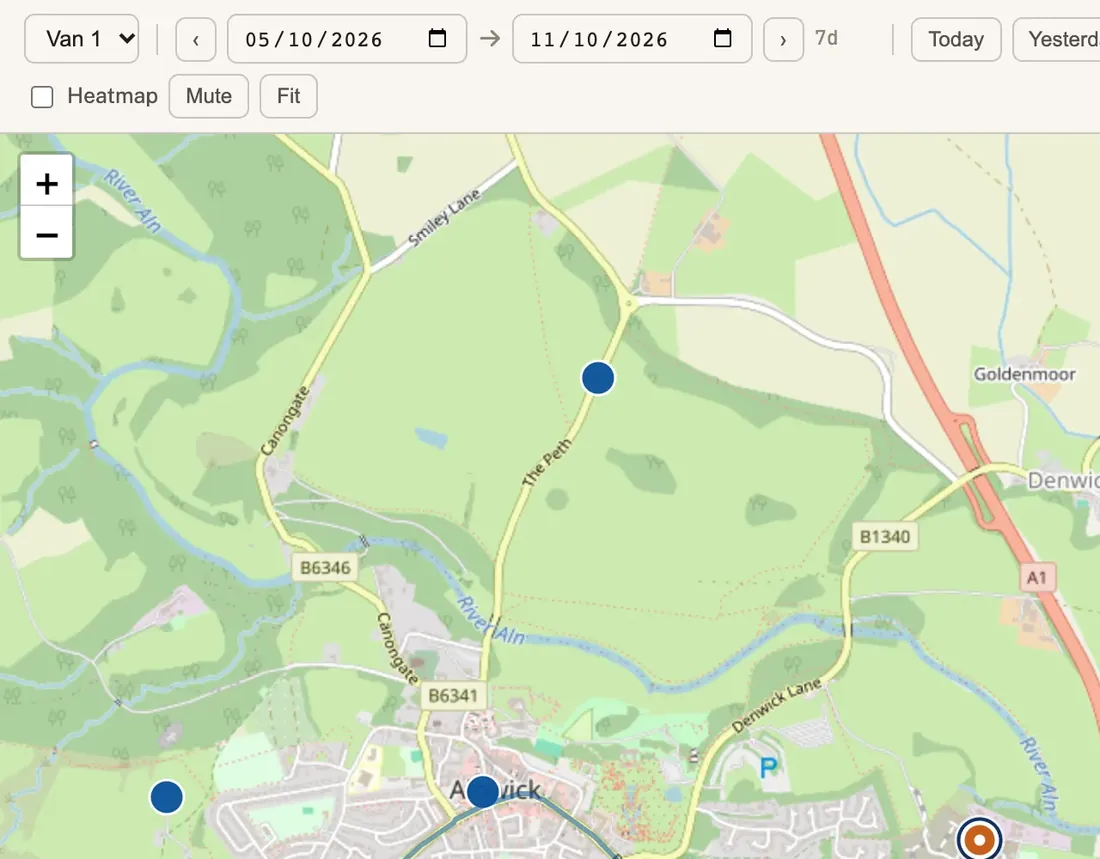
Live
Where the van is now, when it last reported, and its trail so far today.
On a computer
-
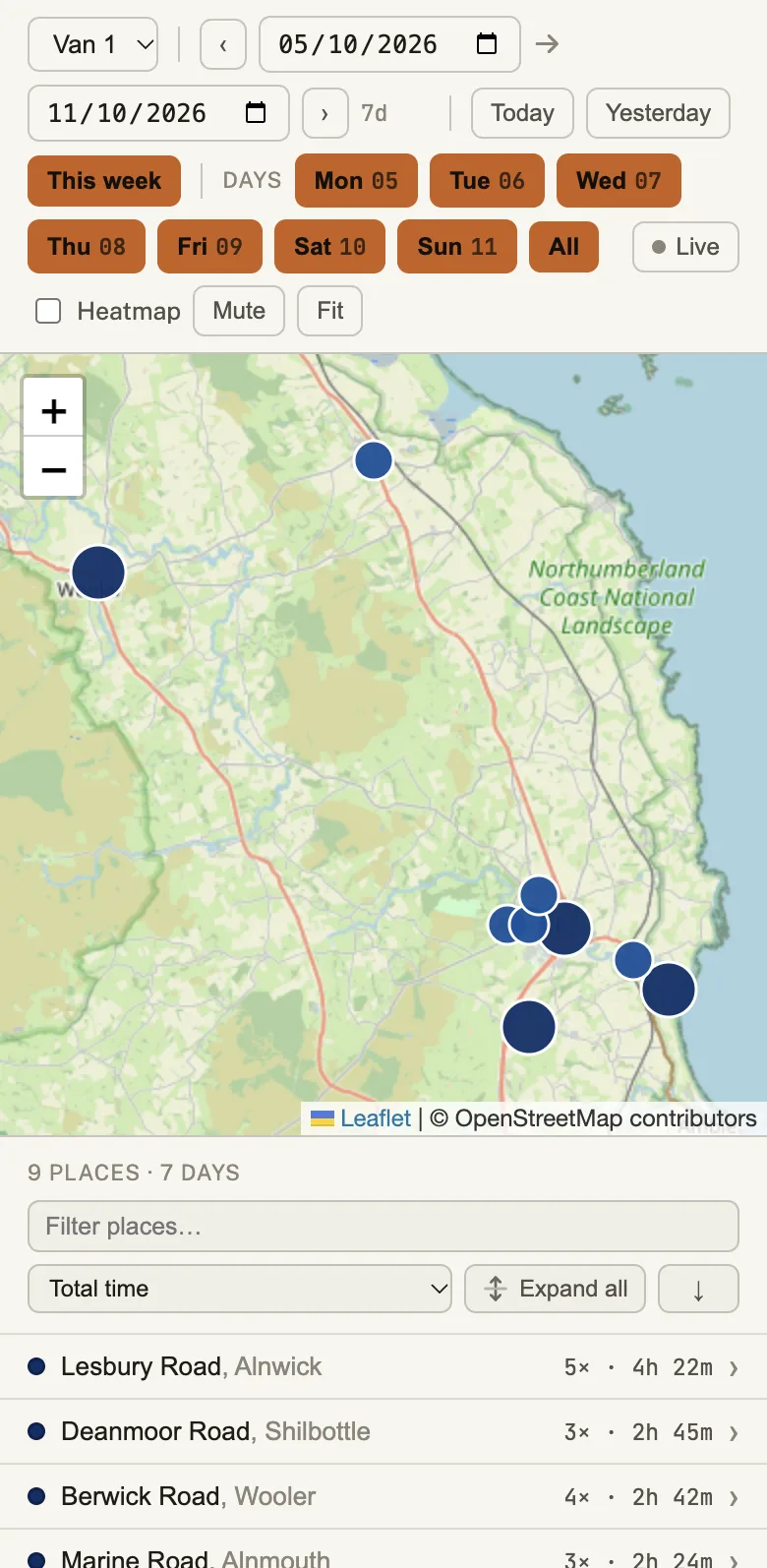
On a phone
The same map and place list, for checking a vehicle away from the office.
On a phone
What it does now
- Pick a van and a week and see every place it stopped.
- Open a place for each visit, with the time and how long it lasted.
- Switch to the live view or the heatmap when the question changes.
What we can build for you
Want to see your own data on a map?
- Where vehicles, jobs or visits happen, and for how long.
- A dashboard that answers your usual questions on one screen.
- Reports and exports built around what you check each week.